
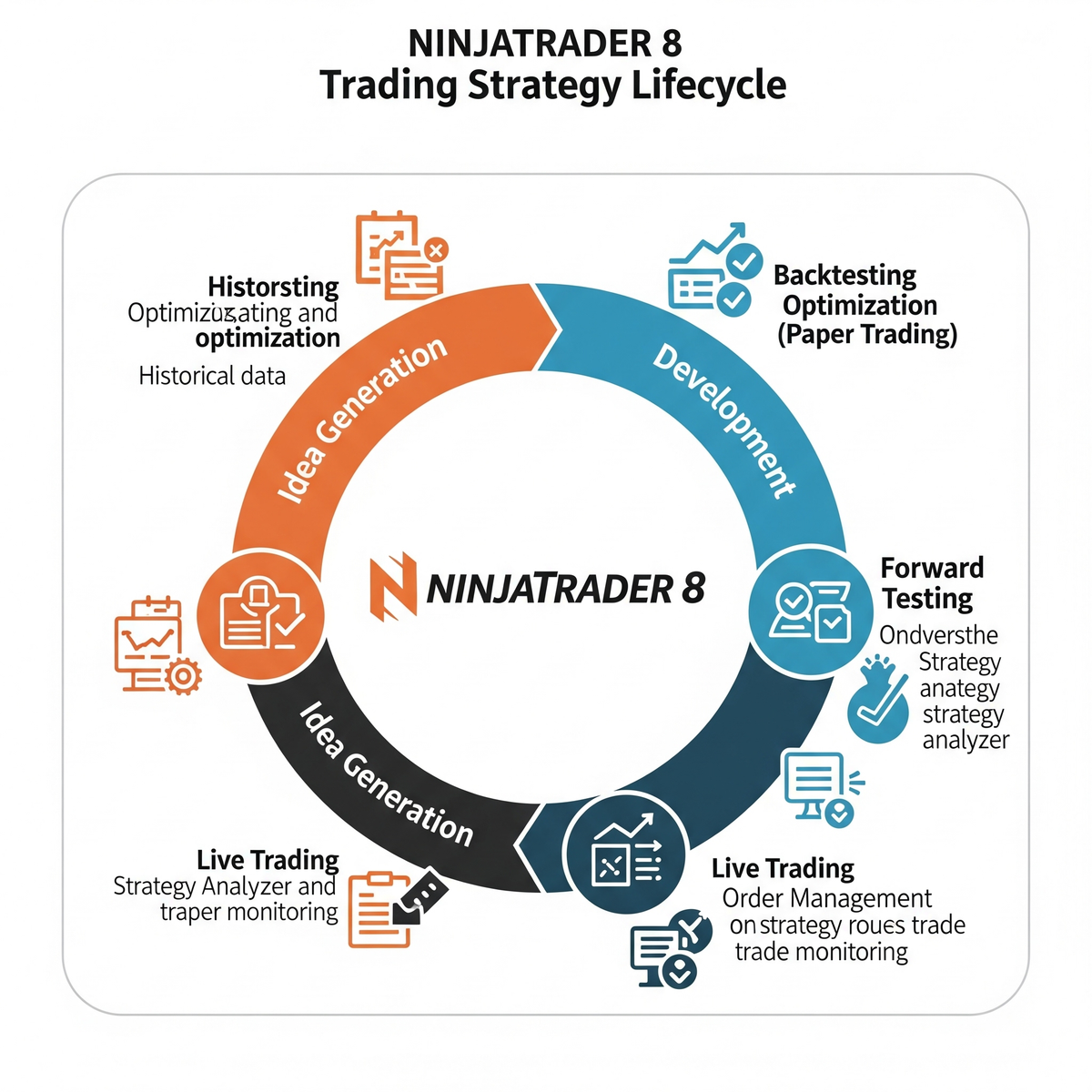
Step-by-step breakdown of the NinjaTrader 8 strategy lifecycle and all relevant methods, states, and event handlers. This guide will help you understand exactly what happens when a strategy is loaded, enabled, starts receiving data, places orders (especially unmanaged), and terminates.
NinjaTrader 8 Strategy Lifecycle Guide
1. Strategy Lifecycle Overview
When a strategy is loaded or enabled in NinjaTrader 8, it passes through several State phases via the OnStateChange() method. Each phase serves a distinct purpose.
2. OnStateChange() and Strategy States
✅ State.SetDefaults
- Called: When strategy is added to a chart or Strategy Analyzer
- Use: Define default values and metadata
if (State == State.SetDefaults)
{
    Name = "MyStrategy";
    Calculate = MarketCalculate.OnBarClose;
    IsOverlay = false;
    AddDataSeries(Data.BarsPeriodType.Minute, 1);
}
🔧 State.Configure
- Called: After SetDefaults, before data is loaded
- Use: Add data series, indicators
if (State == State.Configure)
{
    AddDataSeries(Data.BarsPeriodType.Minute, 5);
}
📊 State.DataLoaded
- Called: When historical data is ready
- Use: Assign references to indicators, series, etc.
if (State == State.DataLoaded)
{
    sma = SMA(14);
    myCustomSeries = new Series<double>(this);
}
🟢 State.Realtime
- Called: Just before real-time starts
- Use: Reset live-only logic
❌ State.Terminated
- Called: When disabled or removed
- Use: Final cleanup or logging
3. OnBarUpdate()
-
Called: On every bar/tick depending on
Calculatemode - Use: Entry/Exit logic
protected override void OnBarUpdate()
{
    if (CurrentBar < BarsRequiredToTrade)
        return;

    if (BarsInProgress != 0)
        return;

    if (CrossAbove(sma, Close, 1))
        EnterLong();
}
4. Unmanaged Orders and Execution Events
🧾 OnExecutionUpdate()
- Called: When an order is filled
- Use: Fill tracking
protected override void OnExecutionUpdate(Execution execution, string executionId, double price, int quantity,
    MarketPosition marketPosition, string orderId, DateTime time)
{
    if (execution.Order != null && execution.Order.Name == "MyEntry")
    {
        // Handle fill logic
    }
}
📤 OnOrderUpdate()
- Called: When order status changes
- Use: Manage order references
protected override void OnOrderUpdate(Order order, double limitPrice, double stopPrice, int quantity, int filled,
    double avgFillPrice, OrderState state, DateTime time, ErrorCode error, string nativeError)
{
    if (order.Name == "MyEntry")
        myEntryOrder = order;
}
📈 OnPositionUpdate()
- Called: When position or average price changes
- Use: Internal position tracking
💰 OnAccountItemUpdate()
- Called: When account metrics change (e.g., cash, equity)
- Use: Real-time monitoring
AccountItemUpdate += OnAccountItemUpdate;

void OnAccountItemUpdate(object sender, AccountItemEventArgs e)
{
    if (e.AccountItem == AccountItem.CashValue)
        Print($"Cash value updated: {e.Value}");
}
5. Bar Loading Flow
- OnStateChange(State.SetDefaults)
- OnStateChange(State.Configure)
- OnStateChange(State.DataLoaded)
- Historical bars are fed to OnBarUpdate()
- OnStateChange(State.Realtime)
- Real-time bars now call OnBarUpdate()
- Unmanaged orders trigger: OnOrderUpdate → OnExecutionUpdate → OnPositionUpdate
6. When to Load Indicators
Best practice: State.DataLoaded
Why: All series and historical data are fully available here. Don’t load indicators before this state.
📌 Summary Table of Events
| Event/State | Purpose | Best Use |
|---|---|---|
| State.SetDefaults | Define default values and metadata | Set name, Calculate mode, overlay, etc. |
| State.Configure | Add data series | Multi-timeframe setup |
| State.DataLoaded | Indicators and historical data ready | Assign references to indicators |
| State.Realtime | Real-time begins | Reset flags, counters, state |
| State.Terminated | Strategy ends | Logging, cleanup |
| OnBarUpdate() | Strategy logic per bar | Entry/exit, indicator conditions |
| OnOrderUpdate() | Track order state | Order reference management |
| OnExecutionUpdate() | Order filled | Track fill price/qty |
| OnPositionUpdate() | Position size changes | Monitor average price and qty |
| OnAccountItemUpdate() | Account-level metrics update | Track cash, margin, PnL |